 MeasurePlan
Support
Questions, ideas or something not working? Email hello@measureplan.app and a real person will reply. Telling us your device and what you were measuring helps.
Getting started
No plan to hand? Try the sample flat: image or PDF. Its living room is 5.50 m wide (the dimension above it), or use the 0–5 m scale bar.
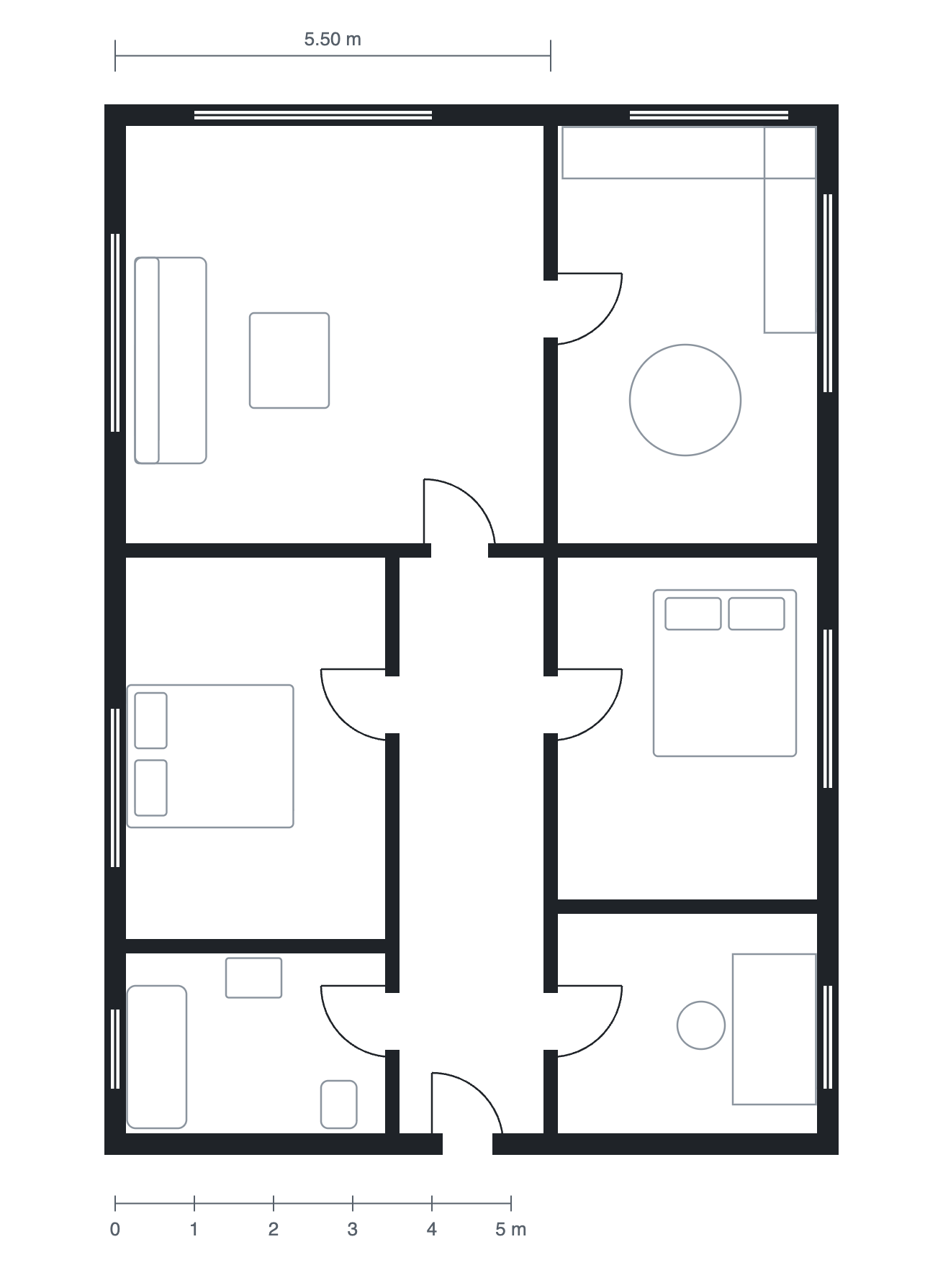
- Open a plan. Choose an image or a PDF of a floor plan. For a PDF with several pages, pick the page.
- Set the scale. Tap both ends of something whose length you know, such as a dimensioned wall or the scale bar, and enter its length in any unit.
- Measure. Tap to add points, and Done to finish a line. Tap the first point again (or Area) to close a shape and get its area. Room finds a room's walls when you tap inside it.
Tips
- Drag a point to adjust it; a magnifier appears under your finger.
- Pinch to zoom and drag to move around. Snap keeps lines at 45° angles.
- Switch between metric and imperial at any time with m / ft at the top.
- "Measure on a map" lets you search an address and measure gardens, roofs and plots on satellite images.
- Your plans are saved on your device under My plans. Removing the app deletes them.